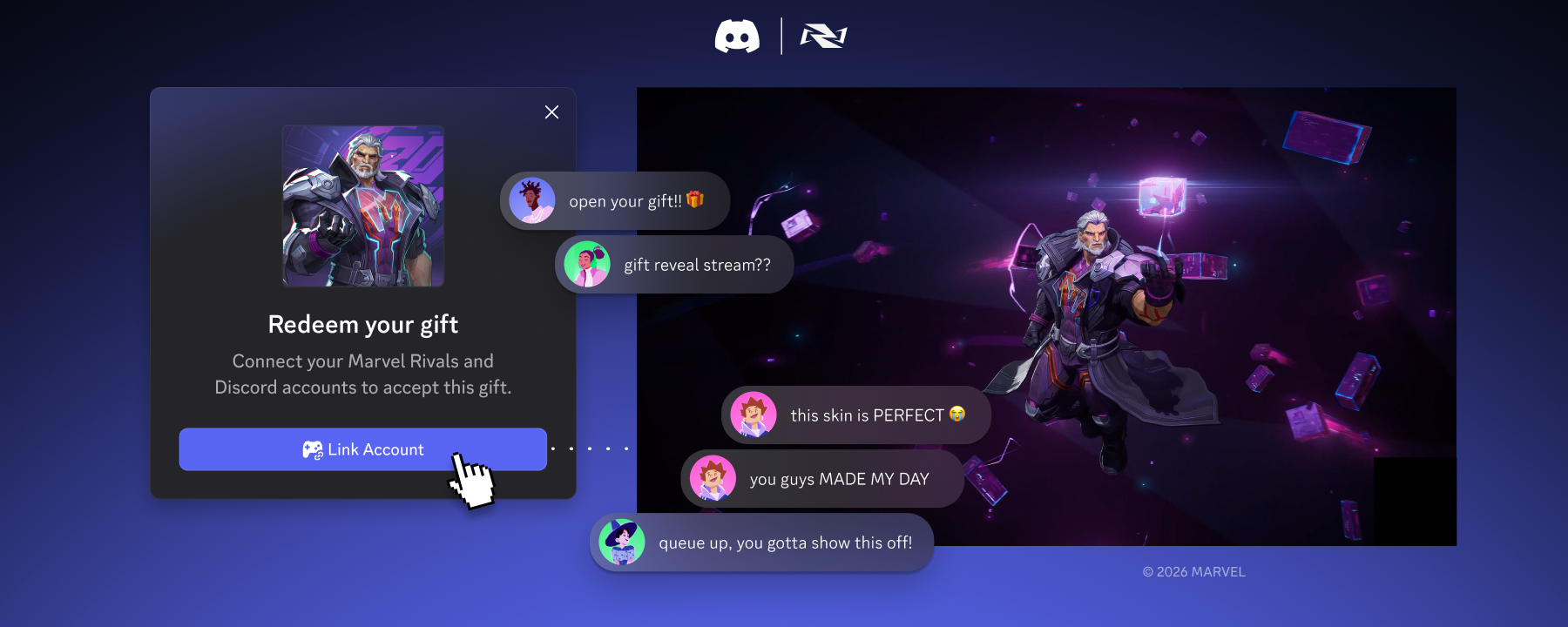
Chat conversation about receiving an in-game gift through Discord.
Engineering & Developers

Building on the Social Layer of Games: What’s New from GDC 2026

Every year at GDC, I find myself thinking about the same challenge: there are more games than ever, and for developers, that means earning a player’s time has never been more competitive. The average Steam player went from playing 13 titles a year in 2021 to 10 in 20241.

On Discord, it’s the opposite. Our players on Steam went from playing 8 titles to 11 over the same period2. The difference is friends. Someone hypes a new release, shares a clip, or pulls you into a session, and the next game finds you. 

A great mechanic or content drop matters, but friends are what makes it stick. When even one friend is present on Discord, players on PC spend a median of 6x longer in a game – with three friends, it’s 8x2. Players in voice channels play games an estimated 66% more days4. The more friends in the mix, the more players keep coming back. 

Over 90 million people actively use Discord every day.5 They're there before the game starts, while they play, and long after the session ends: coordinating with friends, debating what to play next, convincing someone to try something new. That's what makes Discord the social layer of gaming. It's where gaming culture actually lives.

At GDC 2026, we're giving developers more ways to reduce the friction between connection and play, and make it easier for players to find each other, jump into something new, and stay connected to the games they love.

Your Discord Friends, In Your Game

Your Discord friends and your in-game friends are usually the same people, but those two worlds don’t always connect. You can see a friend is playing something on Discord, but there’s no direct line from the conversation into the game. You’re in-game and you can’t easily pull in the friend who’s sitting right there in your voice channel on Discord.

That's the gap Account Linking helps close.

Last year, we launched the Social SDK to let you bring Discord's social layer directly into your game and connect a player’s Discord account to their in-game account. When those accounts are linked, social presence becomes persistent. With activity sharing turned on, players’ friends can see what they’re playing. Jumping into a game doesn't start with a text message. The coordination cost drops low enough that playing together starts to just happen.

I saw this while playing Battlefield 6 recently. Friends were online, I could see who was playing on Discord, and jumping into a match together just worked. No planning, no pasting codes. That's what it should feel like.

When it's easier to play together, people play more. Across our initial integration partners, that's showing up clearly: linked players show a median 25% increase in active game days and 16% longer session duration.6

Our partners range from Marvel Rivals by NetEase to Rust by Facepunch, Pax Dei by Mainframe Industries, Delta Force and Arena Breakout by Tencent, and Predecessor by Omeda Studios. Different genres, different scales, multiple platforms. Same pattern: linked players show up more often and stay longer.

Since launching, we've continued investing in the SDK based on what we're hearing from partners and what they hear from players. In addition to bringing Discord's cross-platform communication features fully out of beta and rounds of performance improvements, here's what's new:

  • Smarter, simpler Account Linking. Players can now link accounts from within Discord itself, with prompts that show up contextually, like when friends are playing a linked game. For studios with multiple titles, publisher authentication can handle linking across all of them. And mobile linking is now fully native on iOS and Android.
  • Richer in-game communication. With their account linked, persistent message history helps keep players caught up between sessions. Players can also enjoy richer, more immersive audio experiences now that developers can take full advantage of audio tools to handle post-processing effects. Moderation workflows are now enabled with server-side APIs, letting developers leverage their preferred moderation services to protect in-game conversations.
  • Refined Rich Presence. Custom display names, buttons, and new activity types like "listening," "watching," and "competing" mean your status on Discord actually shows what you're doing in a game, not just that you're playing it. As a developer, you can customize exactly how the game appears in Discord.

Show Off Your Accomplishments

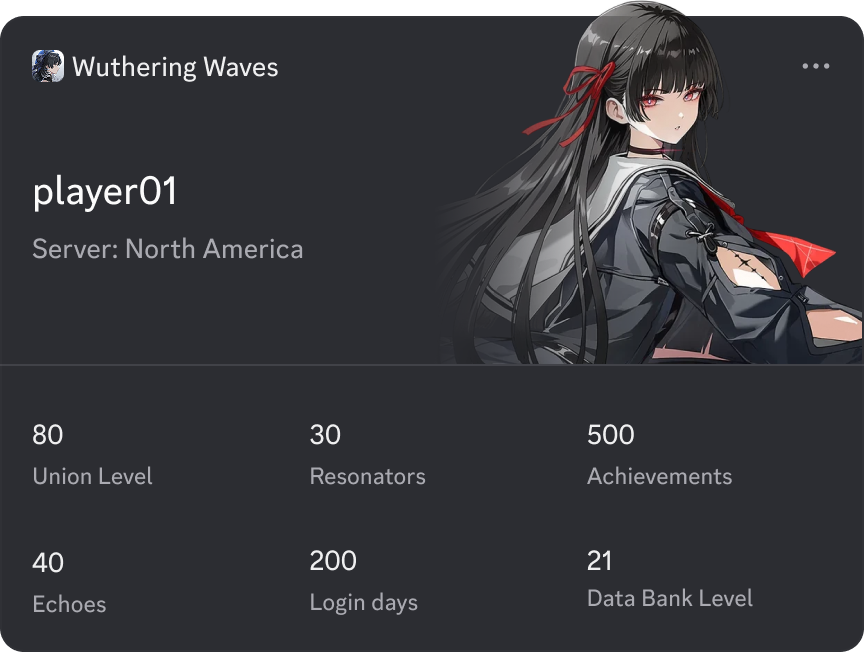
Once your Discord account is connected to a game, new experiences start to open up. The Game Stats Widget is an early look at one of them. In Wuthering Waves, you can add your favorite Resonator and latest achievements directly to your Discord profile, so the time you've put into a game and your achievements are right there for your friends to see.

The Wuthering Waves Game Stats Widget.
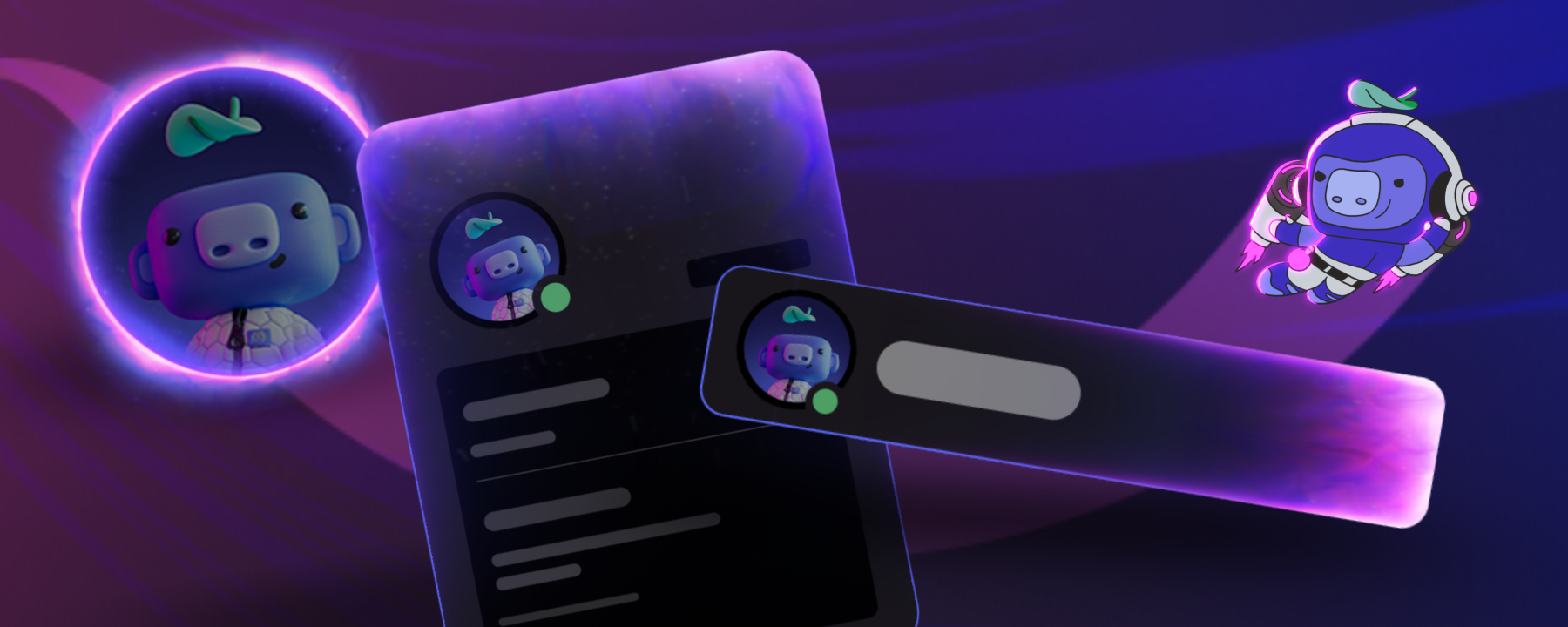
A Wuthering Waves player showing off their favorite Resonator with the Game Stats Widget on their Discord Profile Board.

For developers, it's a way to show up where people are already looking: Discord profiles are viewed by about 133M users per month7. If you’re playing Wuthering Waves or Marvel Rivals, you can add the Game Stats Widget to your profile and try it out for yourself today. If you're interested in being an early partner and creating a Game Stats Widget for your own game, reach out to our team.

Gift Without Leaving the Chat

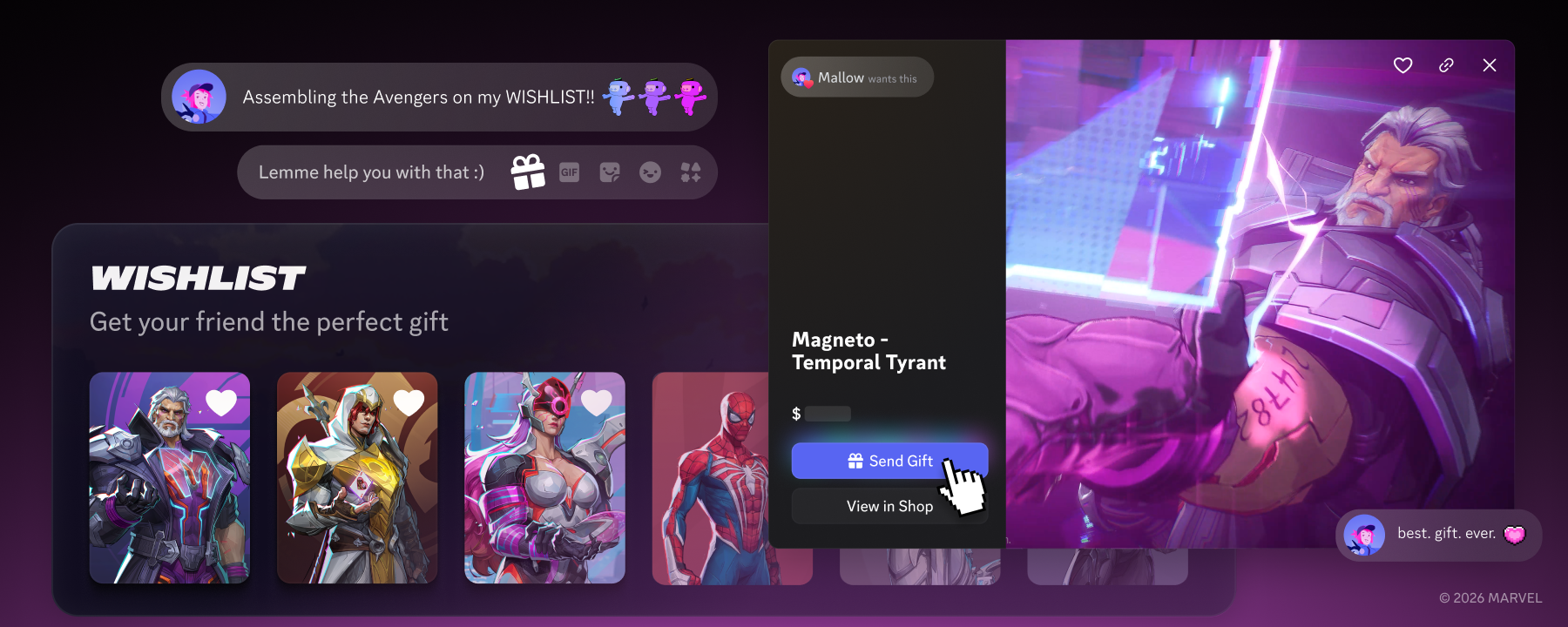
Most games don’t support gifting. You want to buy a friend a skin you were just talking about, and there’s no good way to do it. It should be as easy as sending a message.

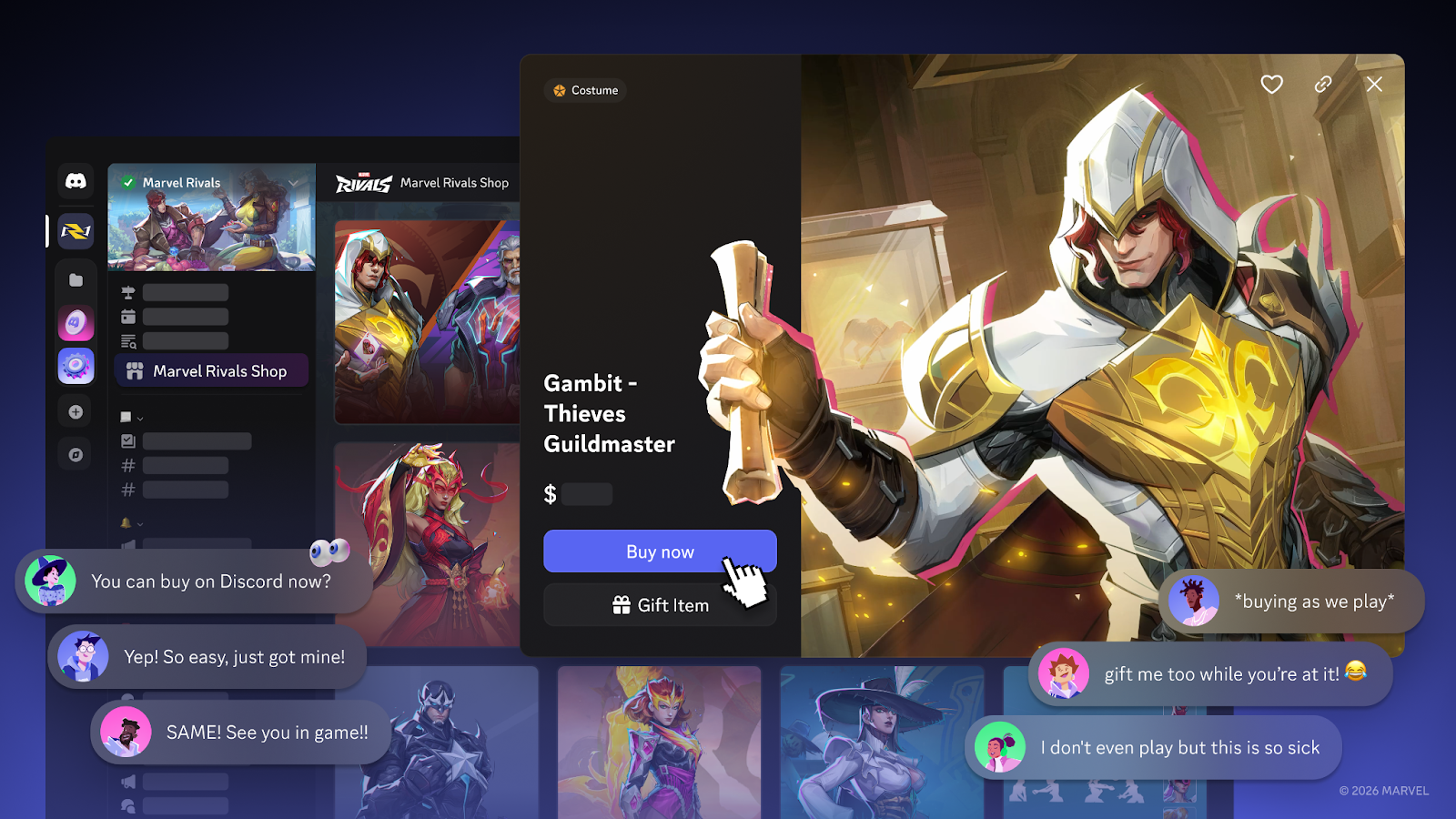
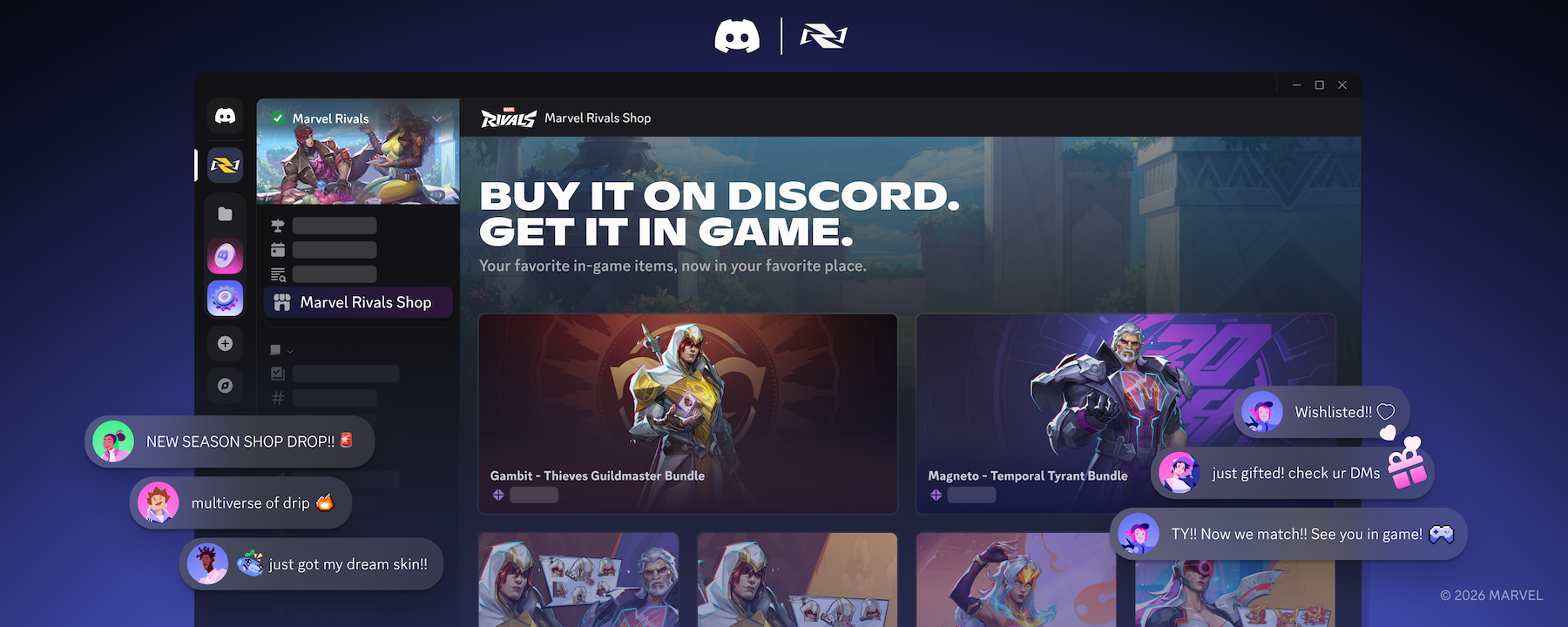
Today at GDC, we're expanding Discord Social Commerce: a native way to buy and gift in-game items directly within Discord, starting with a Game Shop embedded in a game's official server. Items also live across DMs, voice channels, and Wishlists on player profiles. If a player wants to gift a skin to their friend while they're mid-conversation, they can do it without leaving the chat, and their friend can pick it up next time they log in.

Buy or gift in-game items without leaving the conversation, right from your profile, DMs, or voice channels.

People already gift on Discord every day. When in-game items live in the same conversations, that behavior extends naturally. In our rollout with Marvel Rivals, 41% of purchases were gifts.8 And, 25% of those gift buyers had either never played the game or had stopped.9 They showed up not as players, but because someone they care about is one. In many cases, that gift was the reason someone came back to a game they hadn't touched in weeks.

Since the Marvel Rivals rollout, we've continued refining the experience. Discord Social Commerce is now available with Xbox support alongside PC. Purchasing is smarter, too, because it can tell what you already own, so you won’t accidentally buy something you can’t claim.

Following what we learned, we're opening Social Commerce to more games. We're starting with a limited group of partners and expanding from there. If you're a developer interested in bringing Social Commerce to your game, reach out to our team.

Own Your Game's Identity on Discord

More players engaging on Discord means more players looking for your game there. Right now, that's not always straightforward. Search can surface fan servers, regional communities, old servers, and the official server all at once. There's no built-in way for players to know which one is yours.

That changes when you claim your game and become "Discord Official."

Claiming your game on Discord gives your profile and server a verified, canonical identity and unlocks:

  • A trusted home that’s easy to find. One verified server that shows up when players search, follow a Steam link, or click on a shared invite. They know they're in the right place. 
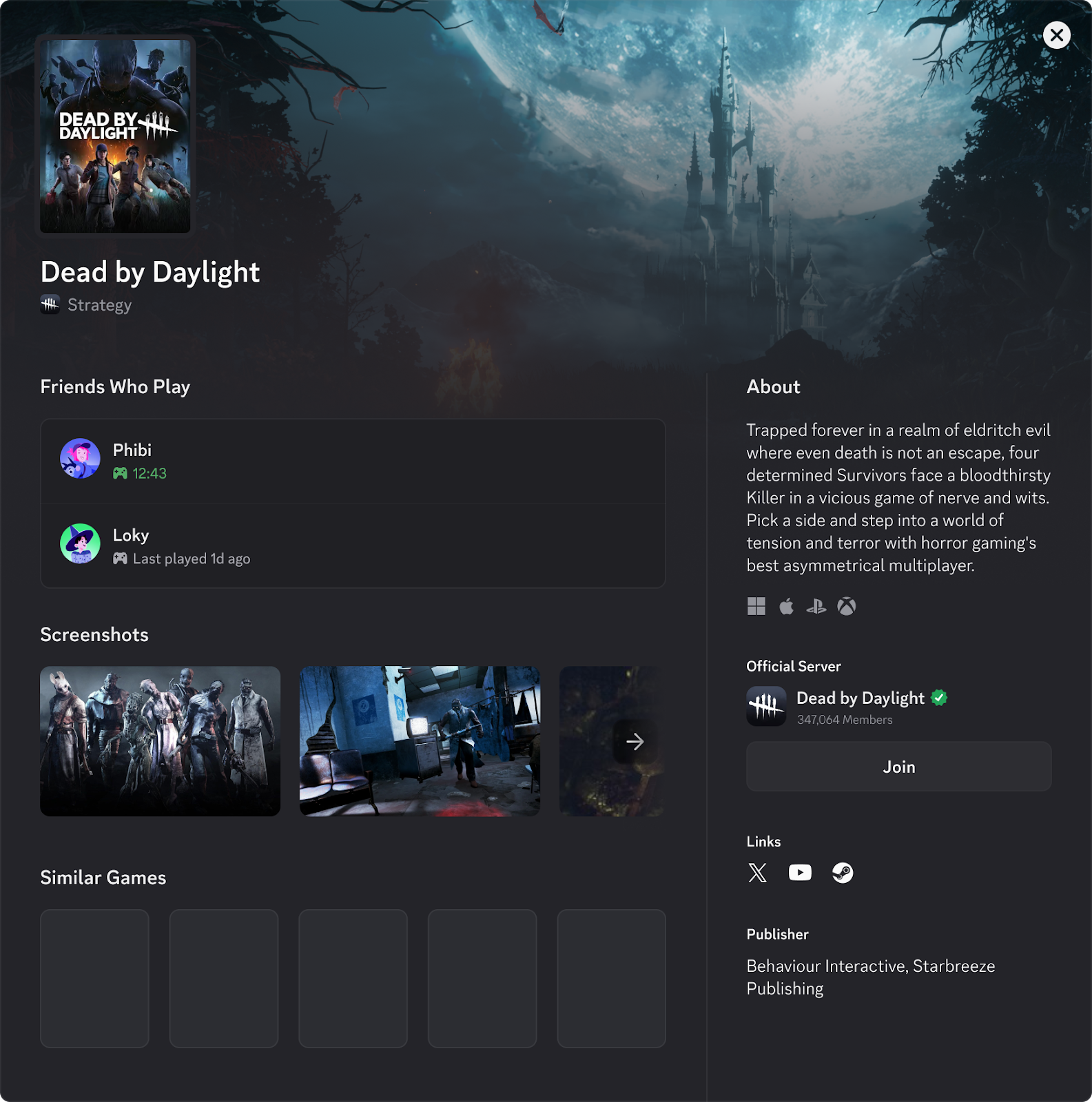
  • Your game profile, your way. Claiming your game profile gives you more control over what your game profile looks like. Update it whenever you want, as often as you want. When there's something new to share, like a season, a patch, or a content drop, players hear it from you first.

For games on Steam, you can start claiming today through the Discord Developer Portal

A Game Profile on Discord.
Once claimed, your game gets a profile you can update for every season, release, or content drop.

That's your foundation. When players know where to find you, everything else builds from there: commerce, discovery, community updates, and other advanced developer features we're hard at work building. 

Lower the Bar to a First Session

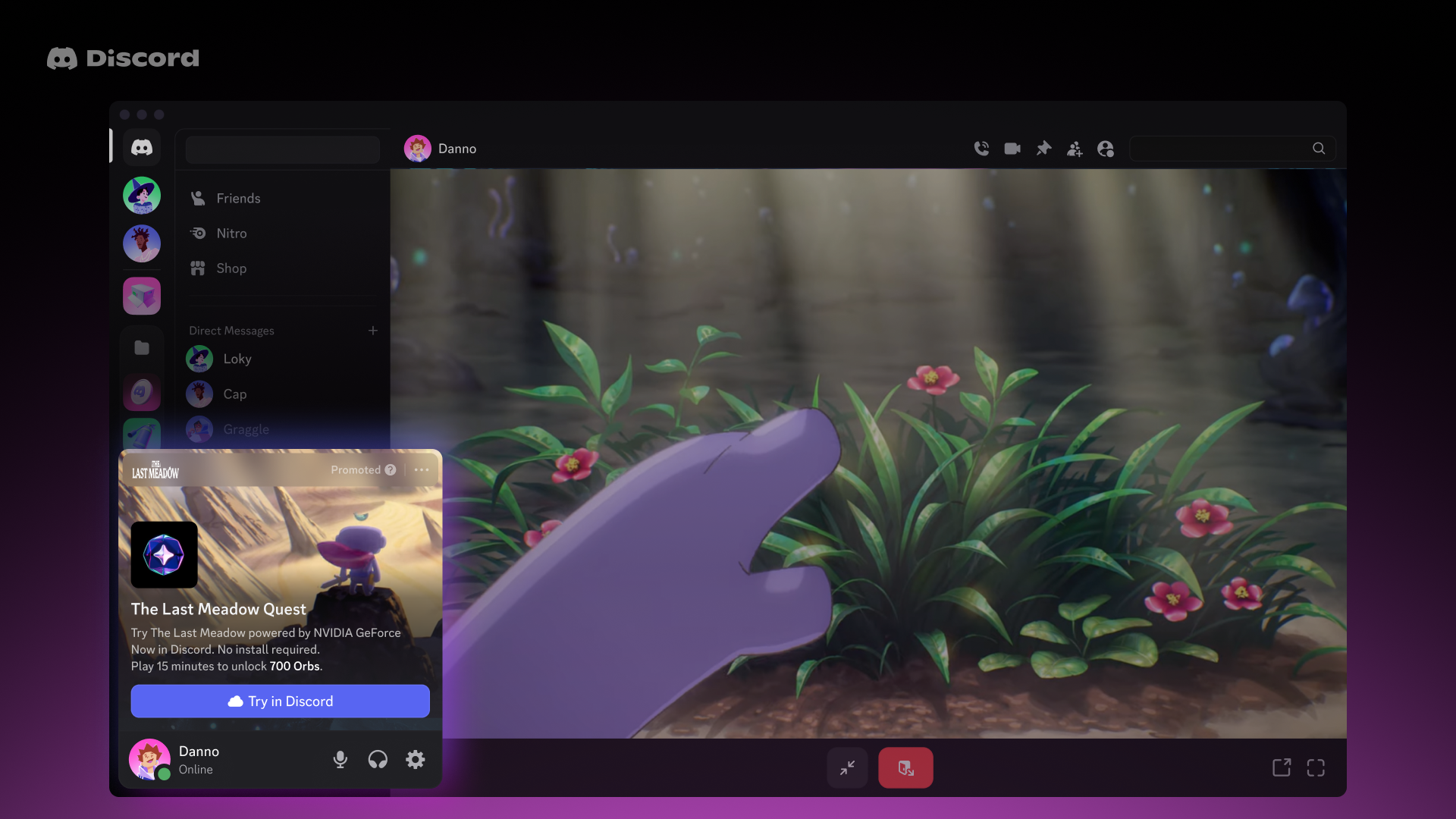
Everything I’ve mentioned so far deepens Discord for players already in your world. Instant Play Quests are about reaching the ones who haven't tried it yet.

A trailer can create interest. Only playing it yourself creates the moment the game clicks.

That's what Instant Play Quests are built around. Players can launch directly into a playable version of a game on Discord through cloud streaming, with no purchase, no install, and no storage requirements. The game starts in seconds. And, because it's happening on Discord, it's happening in the same place where your friends can see it, react to it, and decide to jump in.

Instant Play Quest example
Introducing Instant Play Quests: Launch into a playable version of the game directly within Discord

Turns out, if you make it easier to try, people do. In early tests, Instant Play Quests got up to 4x more first-time players to actually play.10

A game players can jump into right now, in the same place their friends are already hanging out, is a very different ask than something you have to go find, download, and install on their own. The path from "someone mentioned this game" to "I'm actually playing it" gets dramatically shorter.

Instant Play Quests will be made available for games supported on NVIDIA GeForce NOW or Amazon GameLift Streams. Get in touch with our team if you’re interested in learning more.

Easier Than Ever To Integrate

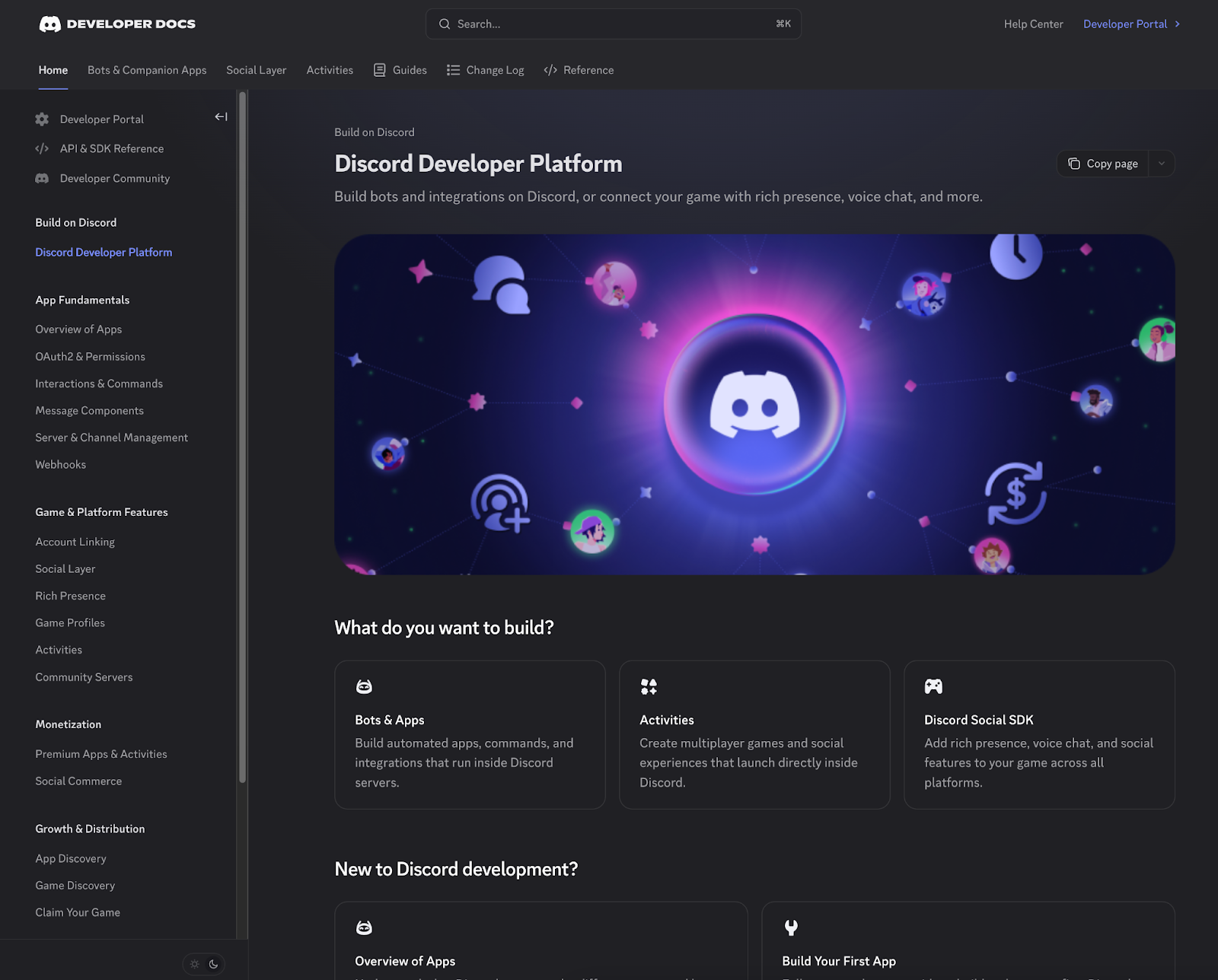
We're investing in the developer experience so that integrating with Discord is as straightforward as possible, and that means building for how you actually work today. So we've completely overhauled the developer documentation.

The new docs are easier to navigate and designed around how developers build. We've also made them LLM-native with support for LLMs.txt and MCP, so your AI-powered dev tools can interface with our documentation directly. No more copy-pasting reference pages or hoping your coding assistant has the right context.

Updated Discord Developer Portal
Our new Discord developer docs, designed to be easier to use and LLM-native.

The new docs are live now. Check them out.

Looking Ahead

We built Discord because we wanted a better way to hang out and play games with friends. Over ten years in, that's still the whole point.

Most nights, I don't even close Discord; I just switch servers. We build Discord on Discord, so there's no real logging off for me. I can see who's already in voice chat. Someone links a game skin in voice chat, or draws a friend back in who hasn't played in weeks. What we're sharing this week is pointed directly at that: closing the distance between the social energy already on Discord and the game itself.

Community has always been the foundation. That hasn't changed. What's changed is how many more ways there are to connect it directly to the game. Each of these pieces works on its own, but the games where this works best treat Discord as an extension of the game itself, not a side channel.

The Social SDK is available now for anyone to integrate. You can claim your game and become “Discord Official” today. Discord Social Commerce and Instant Play Quests are expanding through select partners as we refine and scale.

And, if you're at GDC, come find us. We’re at booth #1449, and I'll be around. I'd genuinely love to talk through what you're building and where Discord might fit into it. If you spot me, say hi.

Stan

1 Newzoo 2025
2 Discord Internal Data, 2021-2025
3 Discord Internal Data, as of Q4 2025
4 Discord Internal Data, as of Q4 2025
5 Discord Internal Data, as of Q4 2025
6 Statistics based on a causal study focused on outcomes after social layer integration for 15+ games launched since December 2024
7 Discord Internal Data, as of Q4 2025
8 Source: Discord Internal Data, December 2025 - January 2026
9 Source: Discord Internal Data, December 2025 - January 2026
10 Discord Internal Data, 2025

Tags
No items found.

related articles